
Start here
Your first listing
From sign-up to a live listing in one sitting.
A listing is live in one sitting. Nothing blocks publishing but a photo, an address and a price; everything else is a nudge you can come back to.
- Sign up at youandhost.com with your email, or with Google or Apple. The same account is a guest account and a host account; you switch sides from the menu.
- Verify your mobile number. One text with a code. A host needs a verified phone before creating a listing, because guests and OSCAR reach you by text when something needs you.
- Create the listing. Name, type, address, how many guests, a nightly price. Paste your Airbnb or Vrbo link and the wizard fills the rest from it; or connect Hostaway and import.
- Answer the interview. Buttons, not essays: do you have a coffee machine, which kind, is coffee provided; the same for the dishwasher, laundry, parking, the Wi-Fi, check-in. OSCAR writes the description from your answers and later answers guests from them.
- Add photos. From your phone or your computer; the first one is the cover.
- Publish. The listing is on the site and in search the moment it has a photo, an address and a price.
The soft requirements
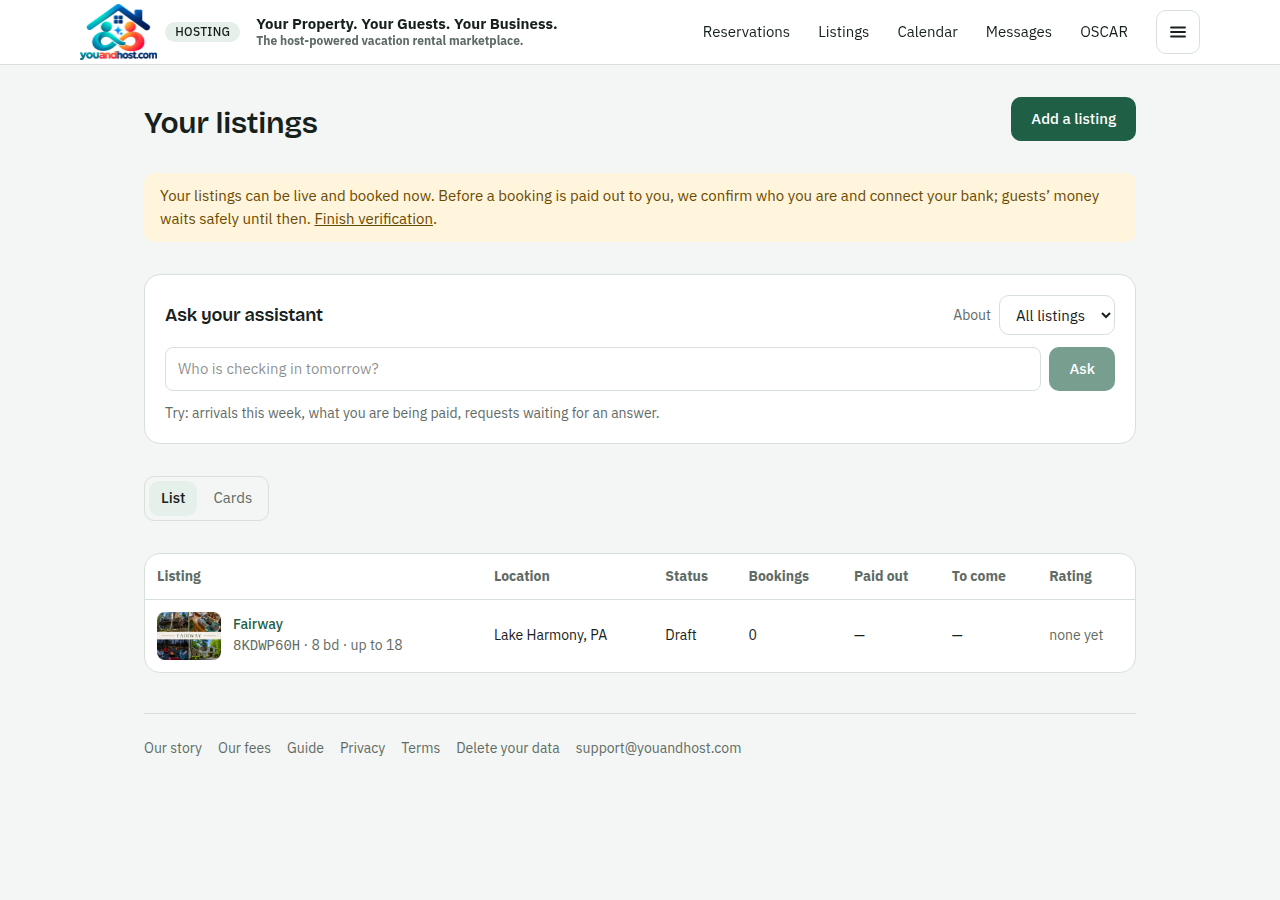
To be paid you connect a payout account with Stripe; it takes a few minutes and we never see the bank details. To show the identity badge guests look for, you pass Stripe’s identity check once. Neither blocks publishing; the Hosting page says what is still open and what each one is worth.
New accounts start on a 30-day trial of Premium and Management on every listing, so you see the whole product. When it ends you keep what you paid for and the rest goes to Basic; nothing is unpublished.